
Domain, publishing and business email
Every project publishes instantly to a free address. Connecting your own domain — or buying one — takes a few minutes and no DNS knowledge.
Publish first
Press Publish in the editor. The project is built and deployed into its own isolated environment with a free certificate, reachable at yourname.rewebsite.dev. That address keeps working even after you add a custom domain.
Buy a domain, or bring your own
Open Domain, search for the name you want and pick an extension — .com, .net, .org and .tr are all available, priced in credits. If you already own a domain, point it at your project address and the platform issues the certificate.
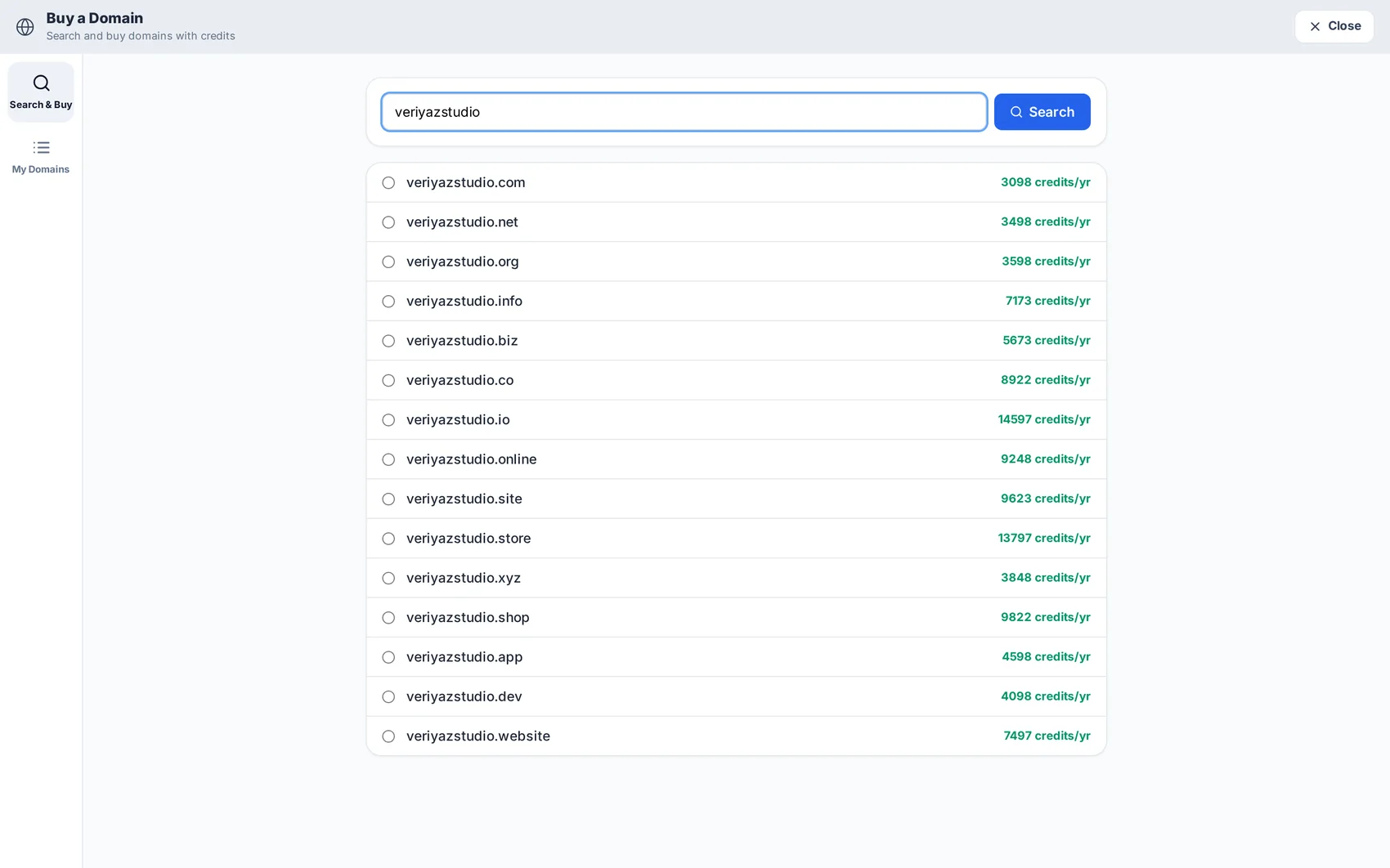
Set up business email
Open Business Email to create mailboxes on your own domain — info@, sales@, your own name. The DNS records are configured for you; you just choose the addresses and passwords.
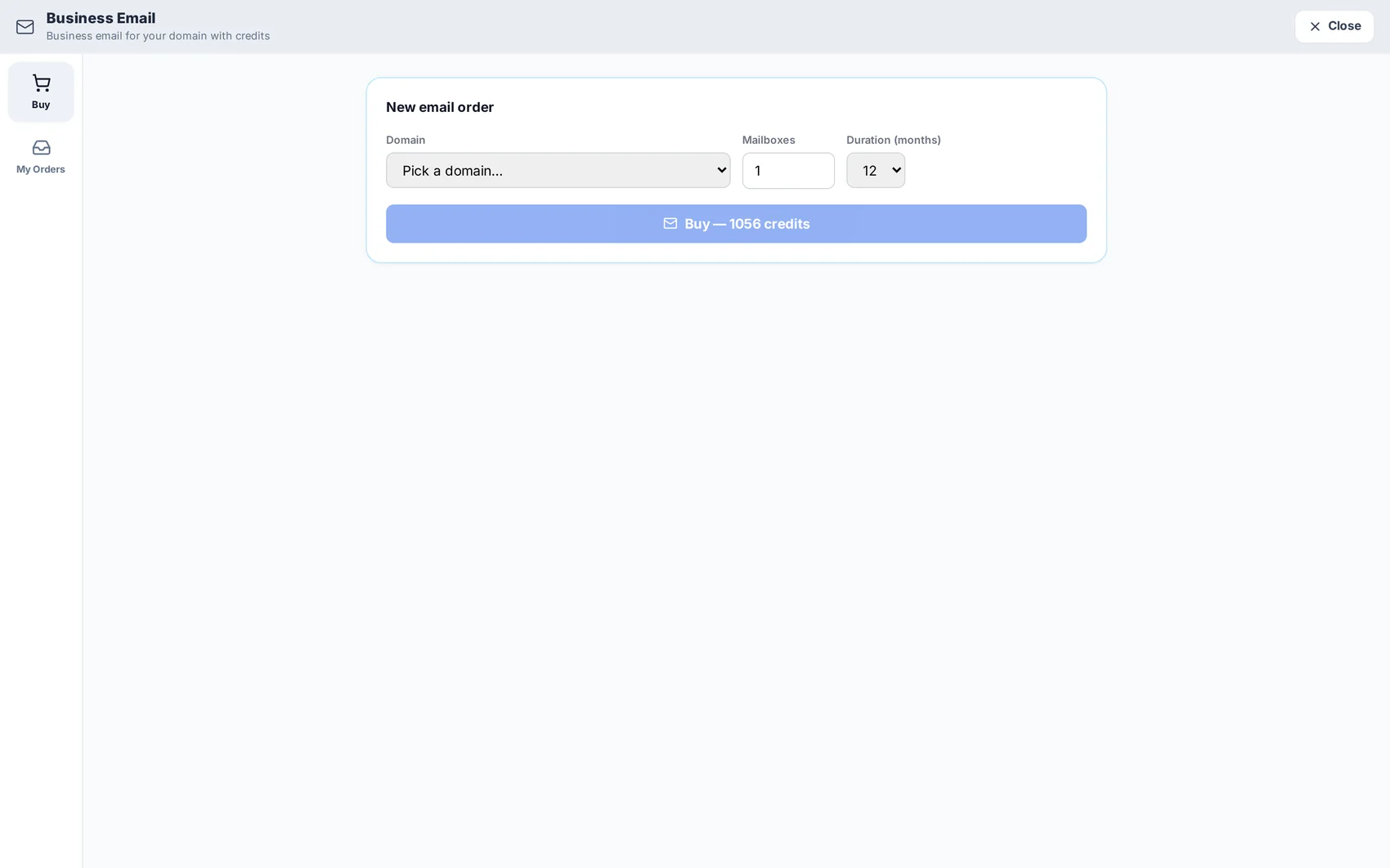
Check the essentials after going live
Visit the site on a phone, submit the contact form once to confirm it reaches the inbox, and check that the certificate padlock is showing. Then connect Search Console from the SEO module so Google starts reporting on the new address.
Read next