SEO: getting found in Google
The SEO module works against the pages you actually have, which is why its suggestions are usable rather than generic.
Fill in the meta fields
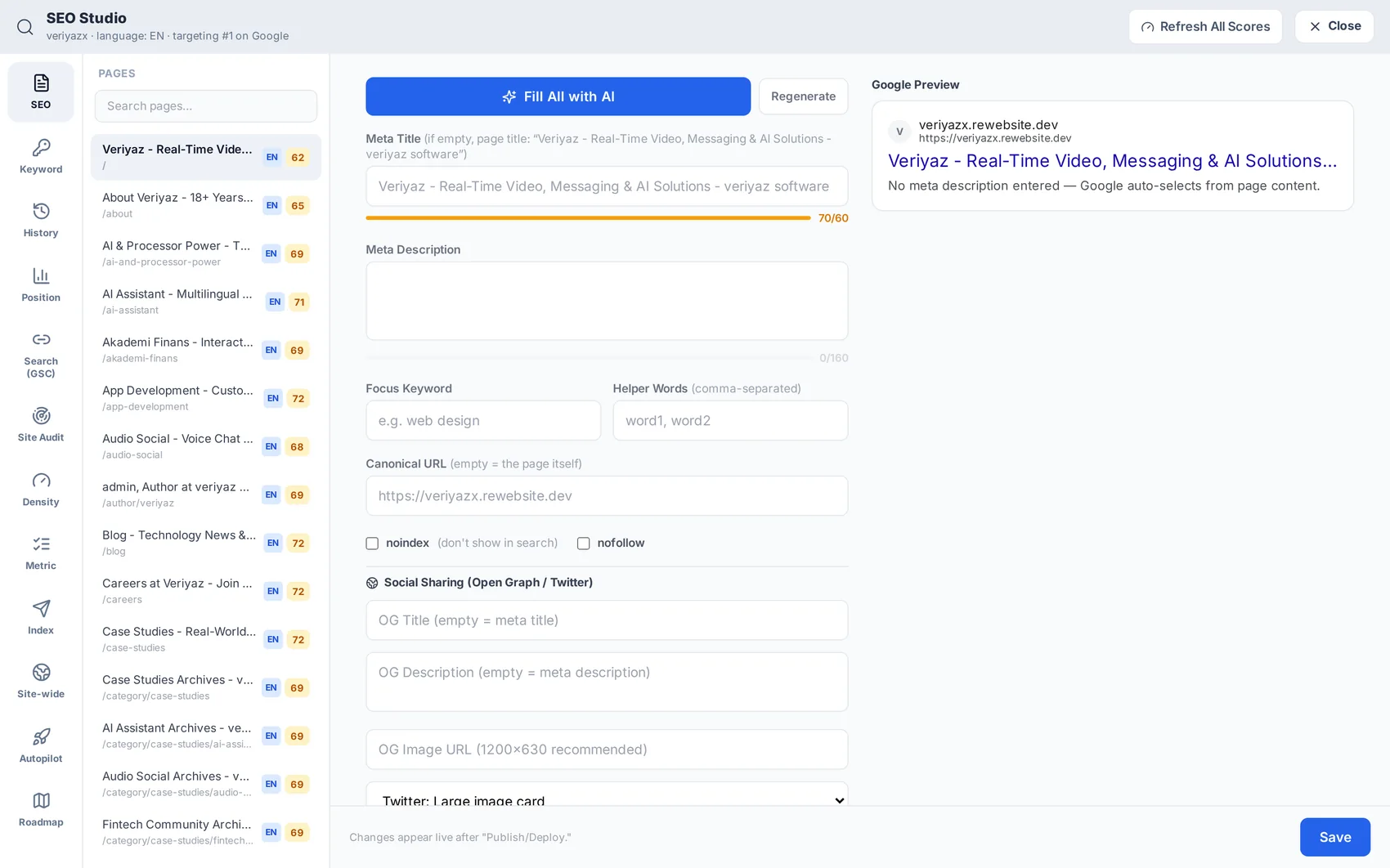
Open SEO. Each page has a meta title and description; Fill All with AI writes them from the page content, and you can edit any of them by hand. Sitemap and robots handling is automatic.
Connect Google Search Console
One click connects your Google account with read-only access. From then on impressions, clicks, queries and average position appear inside the platform beside your traffic. We never modify, sell or share that data, and you can disconnect at any time.
Track the keywords that matter
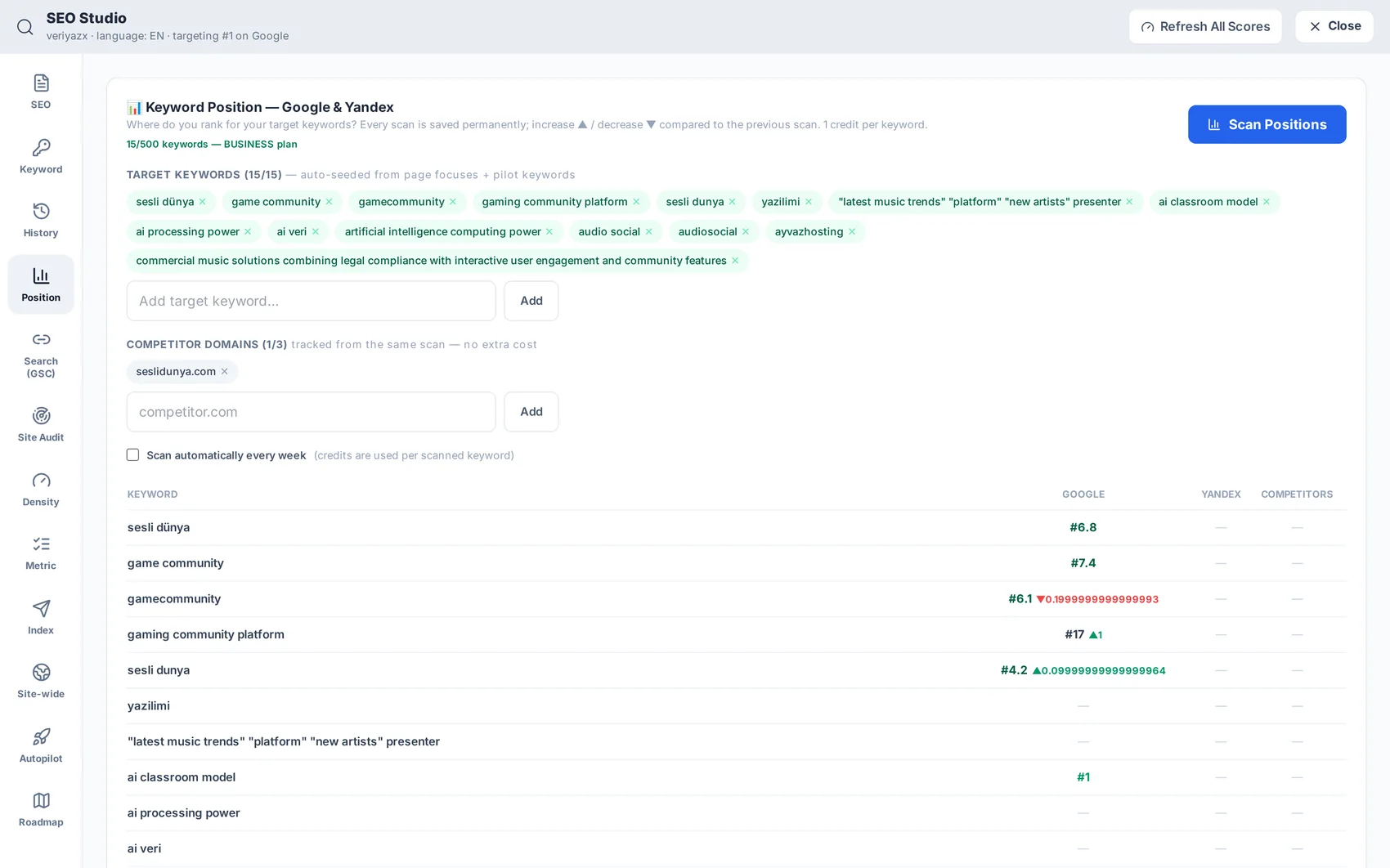
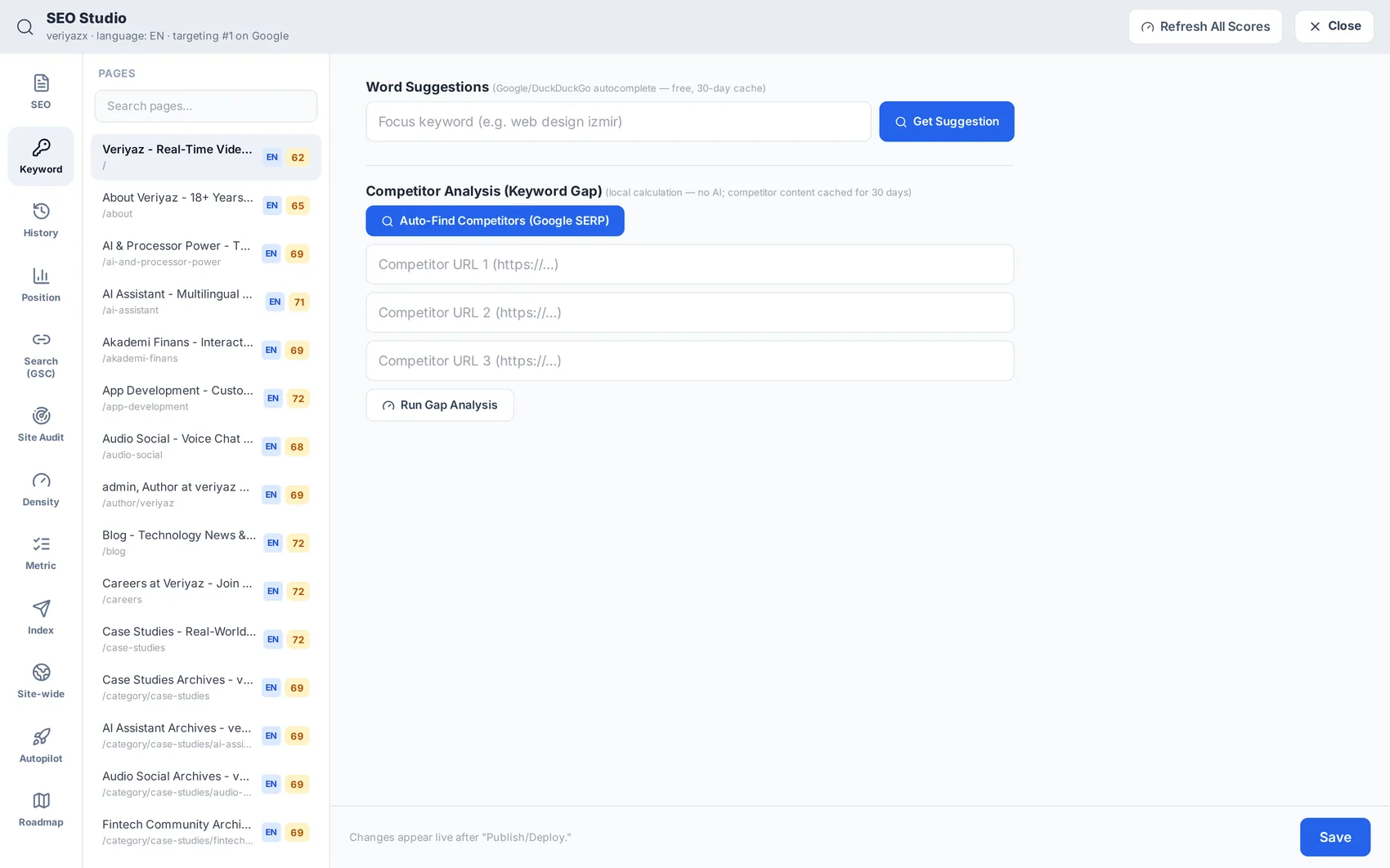
Add the terms your customers actually type. The keyword panel shows difficulty and volume, and the position panel follows your ranking over time so you can see whether the work is paying off.
Run a site audit
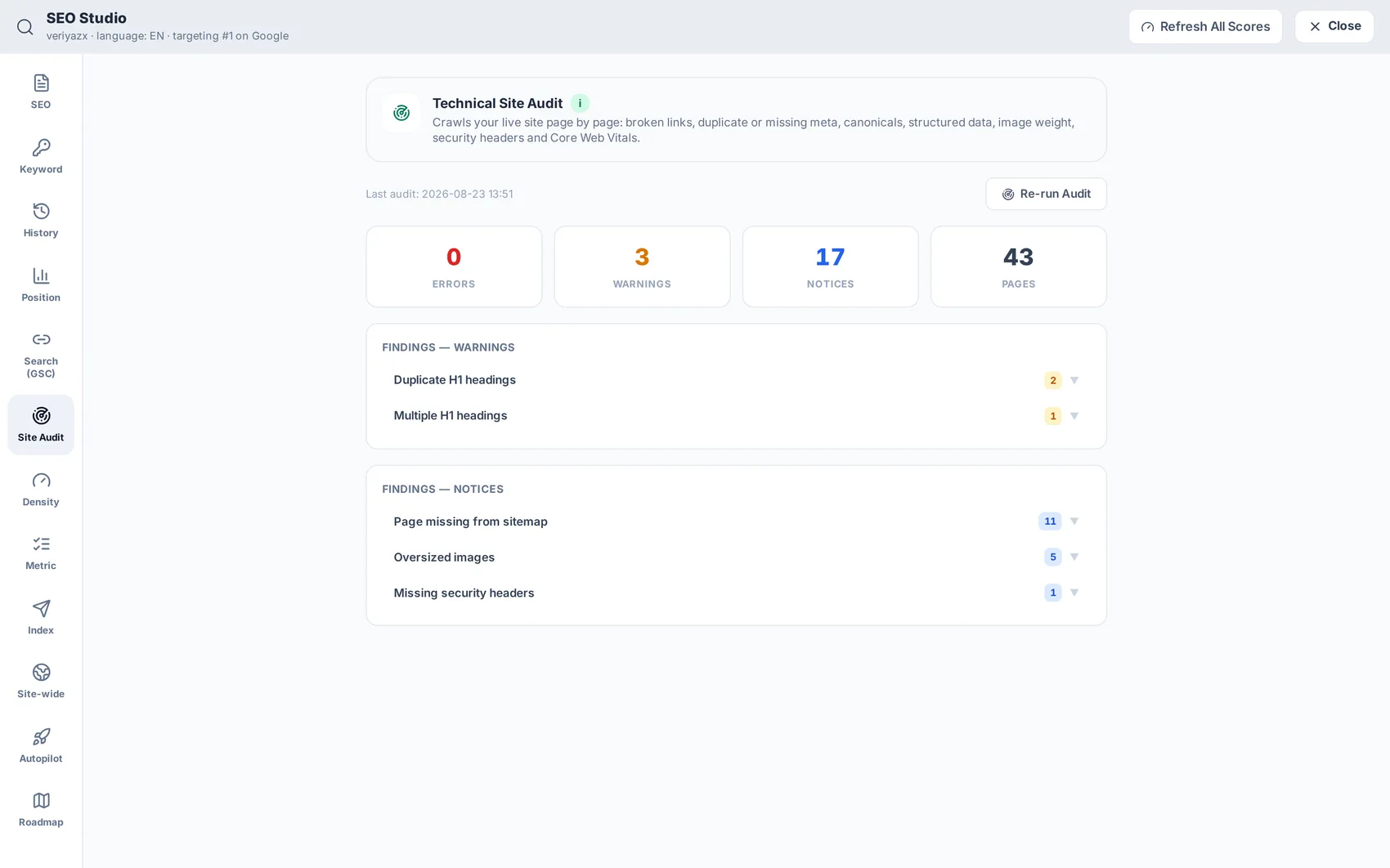
The audit checks the technical side — titles, headings, images without alt text, broken links, speed signals — and lists what to fix in priority order.
Watch the positions
Position tracking charts each tracked keyword over time. Rankings move slowly; check weekly rather than daily and act on the trend.