
← Platform / Website
Website
Click any text and type — that is the whole learning curve
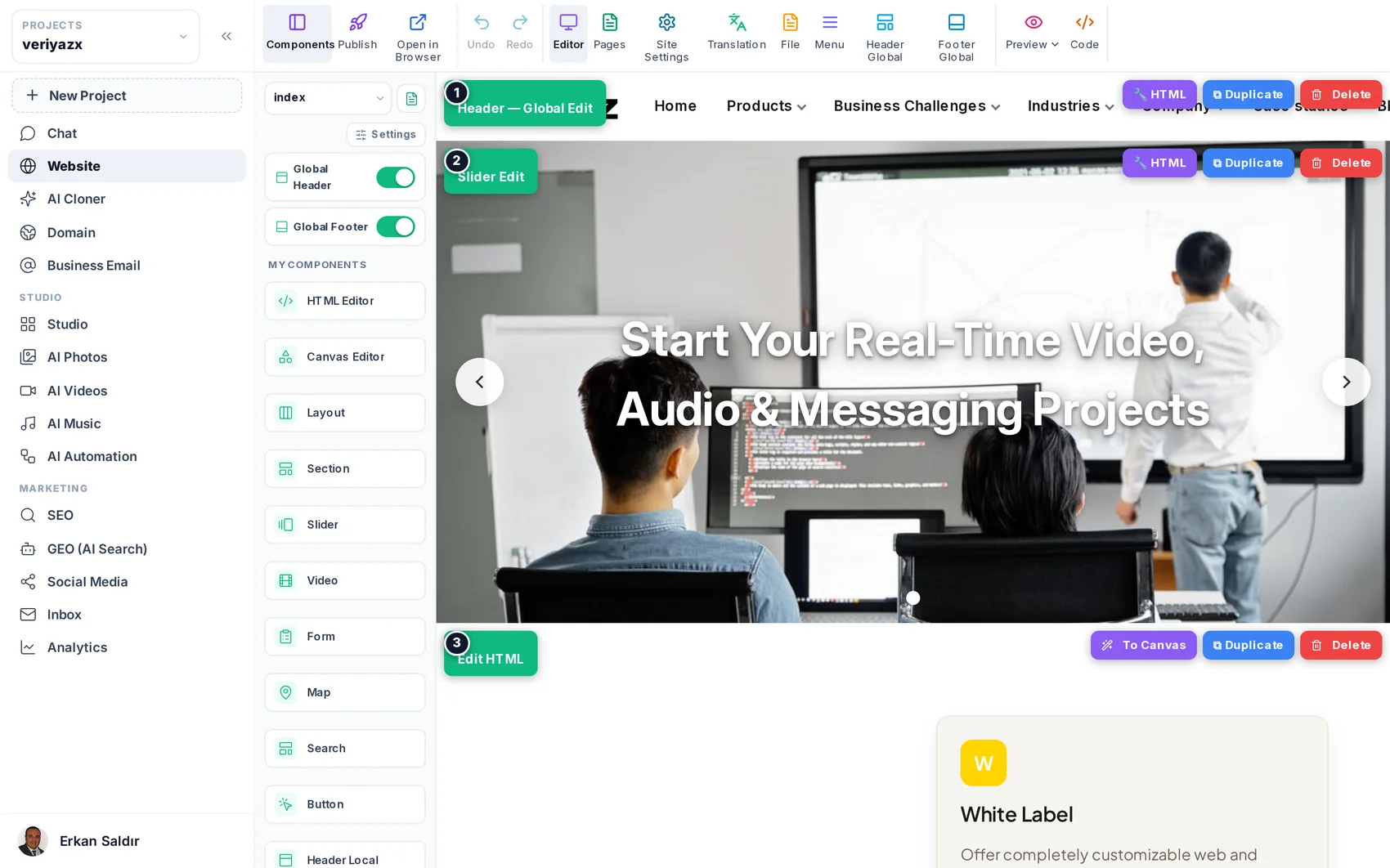
Website is the workspace the site lives in: the visual editor, the page manager, the menus, the previews and the Publish button. It is built so that the first thing you try — clicking a piece of text and typing — works, and so that the last thing you might want, raw HTML, is still there when you need it.
Replaces
WordPress · Webflow · Framer · Wix Studio · hosting panel
Who it is for
Blocks, not a developer panel
A page is a stack of blocks. Add one by dragging it in, move it by dragging the handle, open its settings to change what it does. Nothing needs to be “published to preview” — the middle of the screen is the page.
Pages and layouts
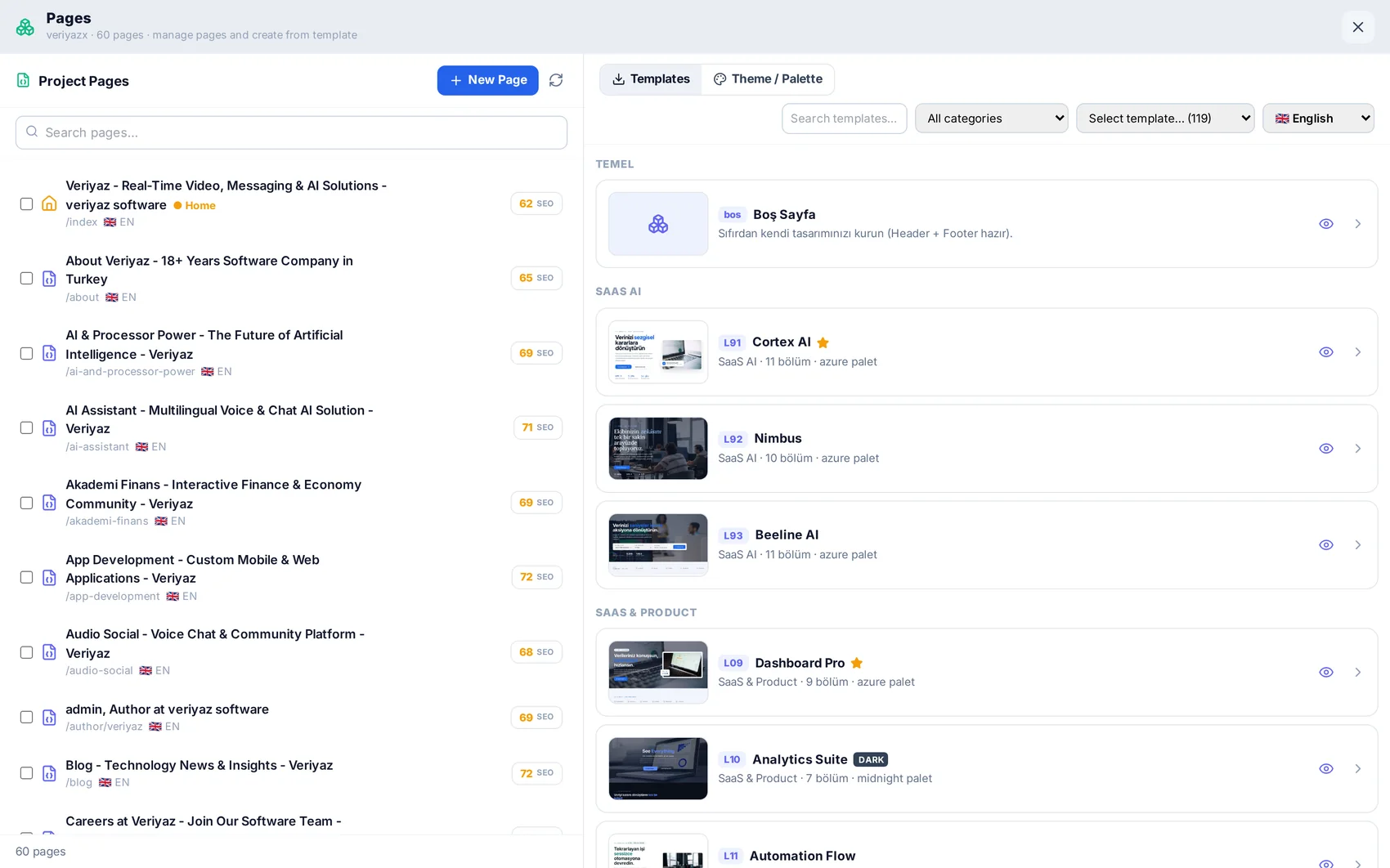
The page manager holds every page: create, duplicate, rename, reorder, delete, and start new ones from 50+ ready layouts that arrive already themed with your palette and fonts. Each page carries its own address, meta title and description.
Menus, header and footer
Menus are hierarchical — top-level items, dropdowns, mega menus — and follow the pages you actually have. Header and footer can be global for the whole site or page-only for a landing page that deliberately differs, and the platform actively protects a page-only block from being overwritten by a global change.
Preview, translate, publish
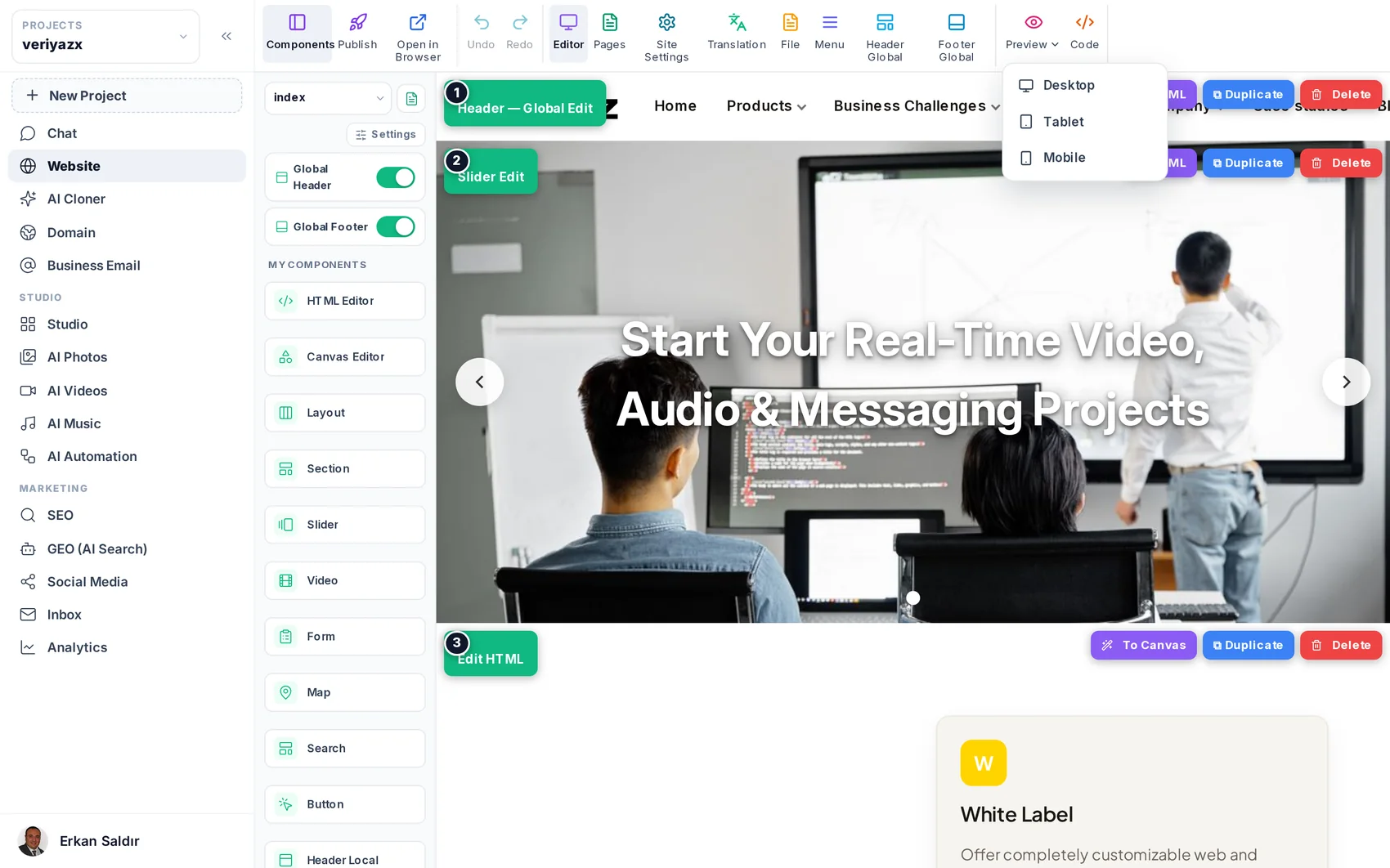
Check the layout at phone, tablet and desktop width; translate pages, menus and meta descriptions into 14 languages in place; then press Publish. The project is built and deployed into its own isolated environment with a free SSL certificate, and the sitemap and search index are rebuilt for you.
The escape hatches
The HTML view edits a block’s markup directly. The free-form canvas places elements anywhere with alignment guides for the cases where a grid is the wrong answer. Both are optional; most people never open them.
Questions about Website
Anything else? Write to [email protected] or read the step-by-step guide.
Do I need to know HTML?
No. If you can use a slide editor you can use this. HTML is available for people who want it and invisible for people who do not.
Can I break the site?
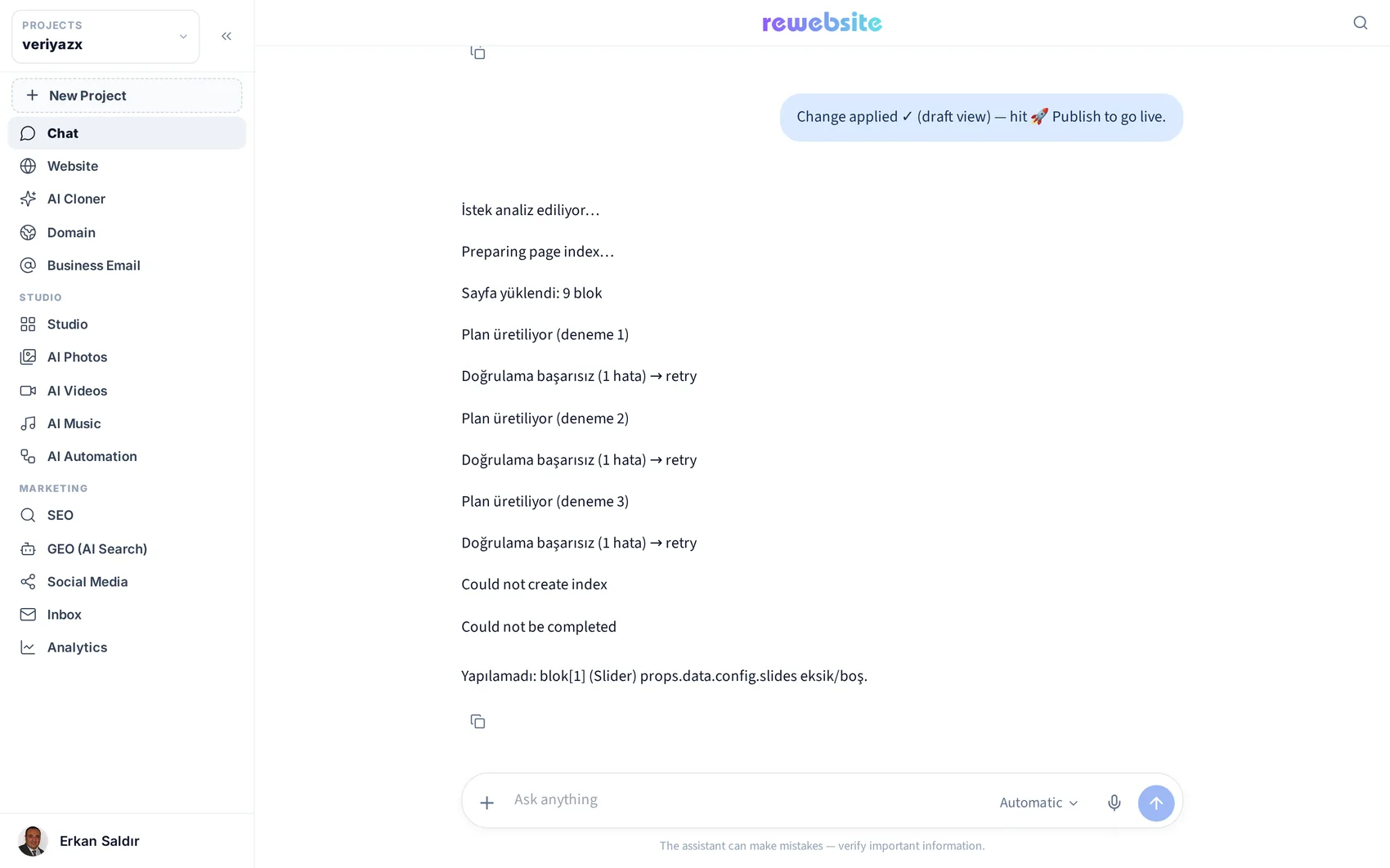
Changes live in the editor until you press Publish, and undo works on everything. The published version keeps running while you experiment.
Does editing or publishing cost credits?
No. Credits are only spent on generation — cloning, AI writing, images, video, music.
Website is included on every plan.
The plan decides how many projects and credits you get — not which modules you can open. Start on the free plan and see for yourself.