
Editing by chatting
The chat editor knows your project: its pages, palette, fonts and content. That is why its output matches the site instead of looking bolted on.
Open Chat and pick the scope
The scope selector under the message box decides what the request applies to — the current page, the whole site, or whatever the assistant judges best. Choose the page when you mean one page.
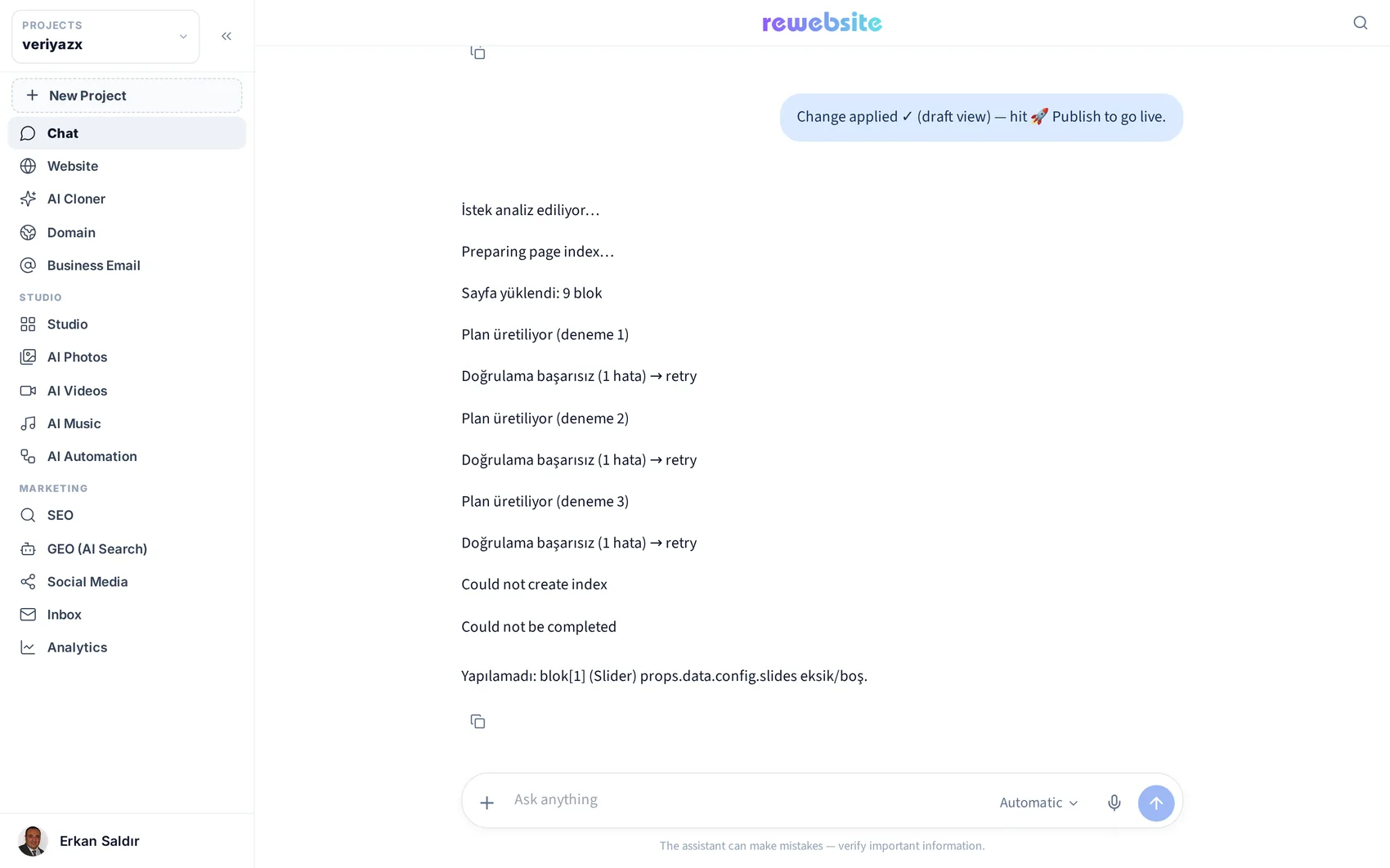
Ask for something concrete
Good requests are specific: “add a contact form with name, email and message to the contact page”, “write an about page in a warm, plain tone”, “make the hero image darker and the button orange”. Vague requests get vague results.
Tip · One change at a time gives you better control than a paragraph of instructions.
Review before you publish
Every change lands in the editor, not on the live site. Look at it, adjust it by hand if you like, then publish when you are happy.
Use your voice on mobile
On a phone, the microphone next to the message box dictates the request. It is the fastest way to fix a typo on the site while you are away from a desk.
Read next
The visual editor: blocks, sections and settings
How to edit anything on a page without code — and where the advanced doors are when you want them.
AI Photos: generating and editing images
Text-to-image, image-to-image, background removal and consistent corporate shots.