
AI Videos: ads, avatars and product spots
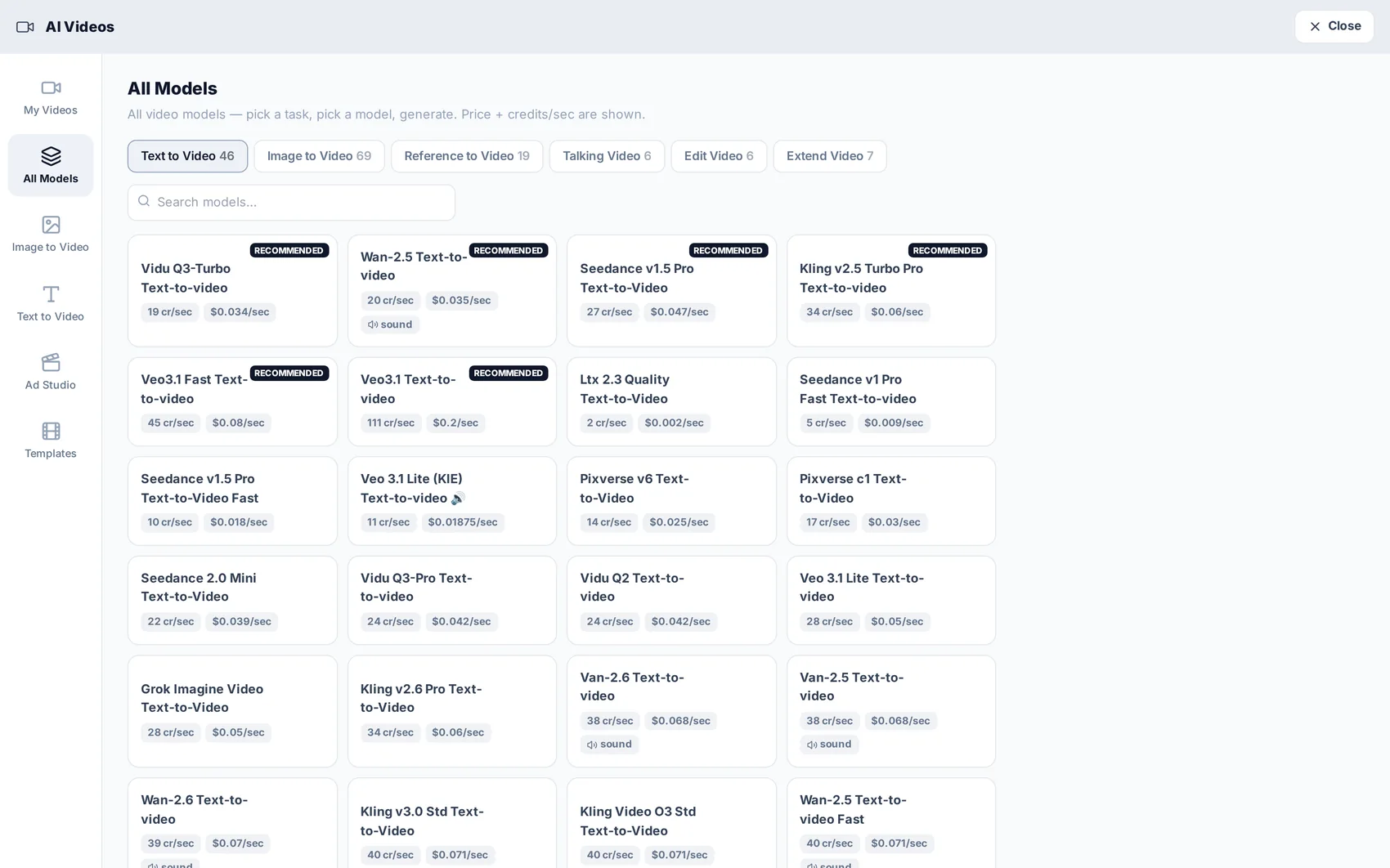
The video module puts 200+ models in one screen, with the cost per second on every card, so you can match the model to the job and the budget.
Decide where the video starts from
Image to Video animates a photo you already have — a product, a logo, a design. Text to Video builds the scene from a description. Ad Studio wraps either one in an ad structure with a hook, the offer and a call to action.
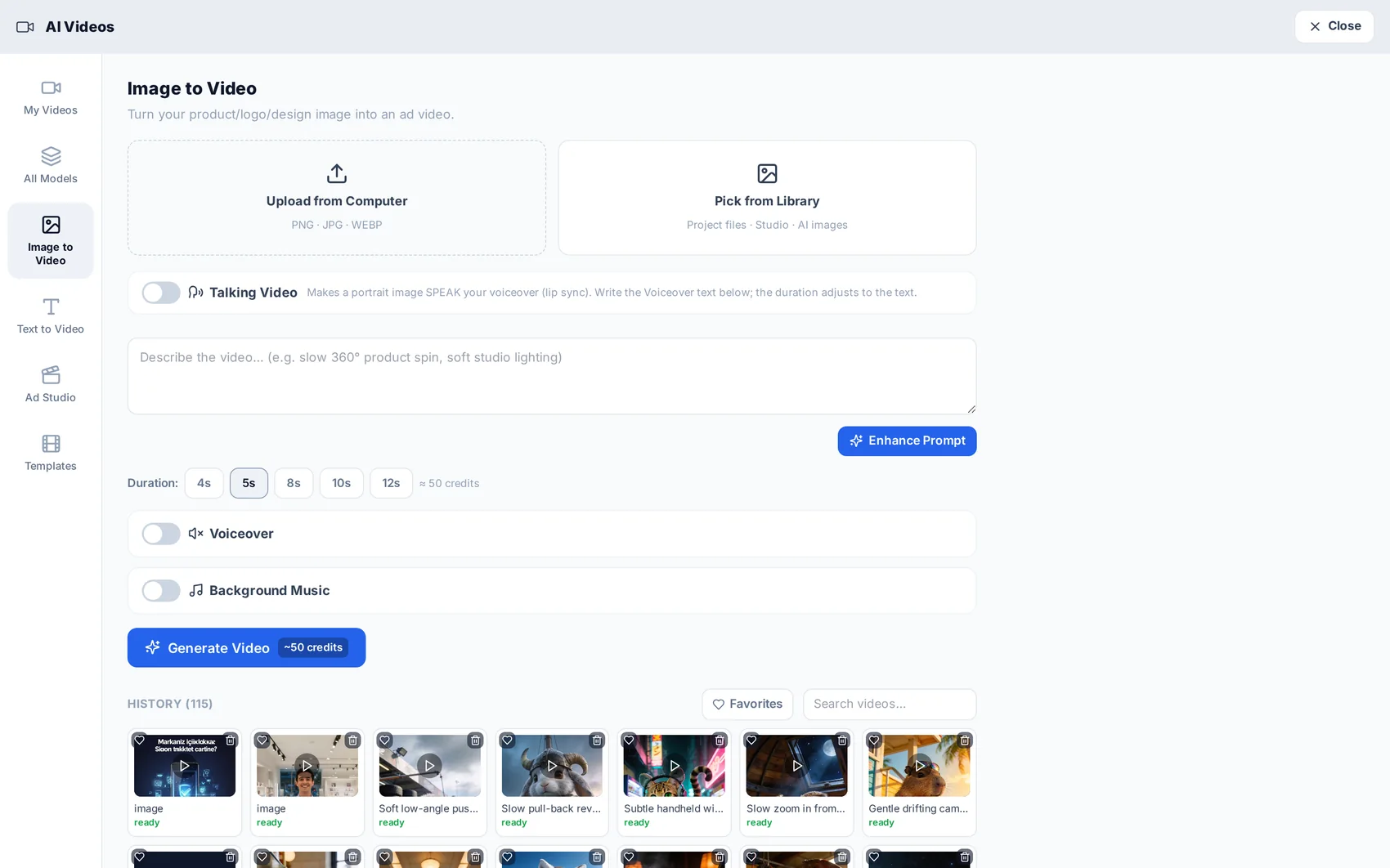
Write the prompt (or let the studio help)
Describe the shot: subject, camera movement, lighting, mood. Enhance Prompt rewrites a rough line into a fuller one, and the ready templates cover common cases — product spot, restaurant, real estate, fashion, automotive.
Tip · For a talking video, write the dialogue in the language you want spoken. The voice follows your text.
Pick the model and the quality tier
Each card shows the family, what it is good at, the cost per second and the maximum duration. Draft is for trying ideas cheaply, Standard is the balanced everyday choice, Premium and Premium+ are for flagship work.
Set format and duration
Choose the aspect ratio for the channel — 1:1 for feed, 9:16 for reels and stories, 16:9 for YouTube — and the length. The credit cost updates as you change them, before you spend anything.
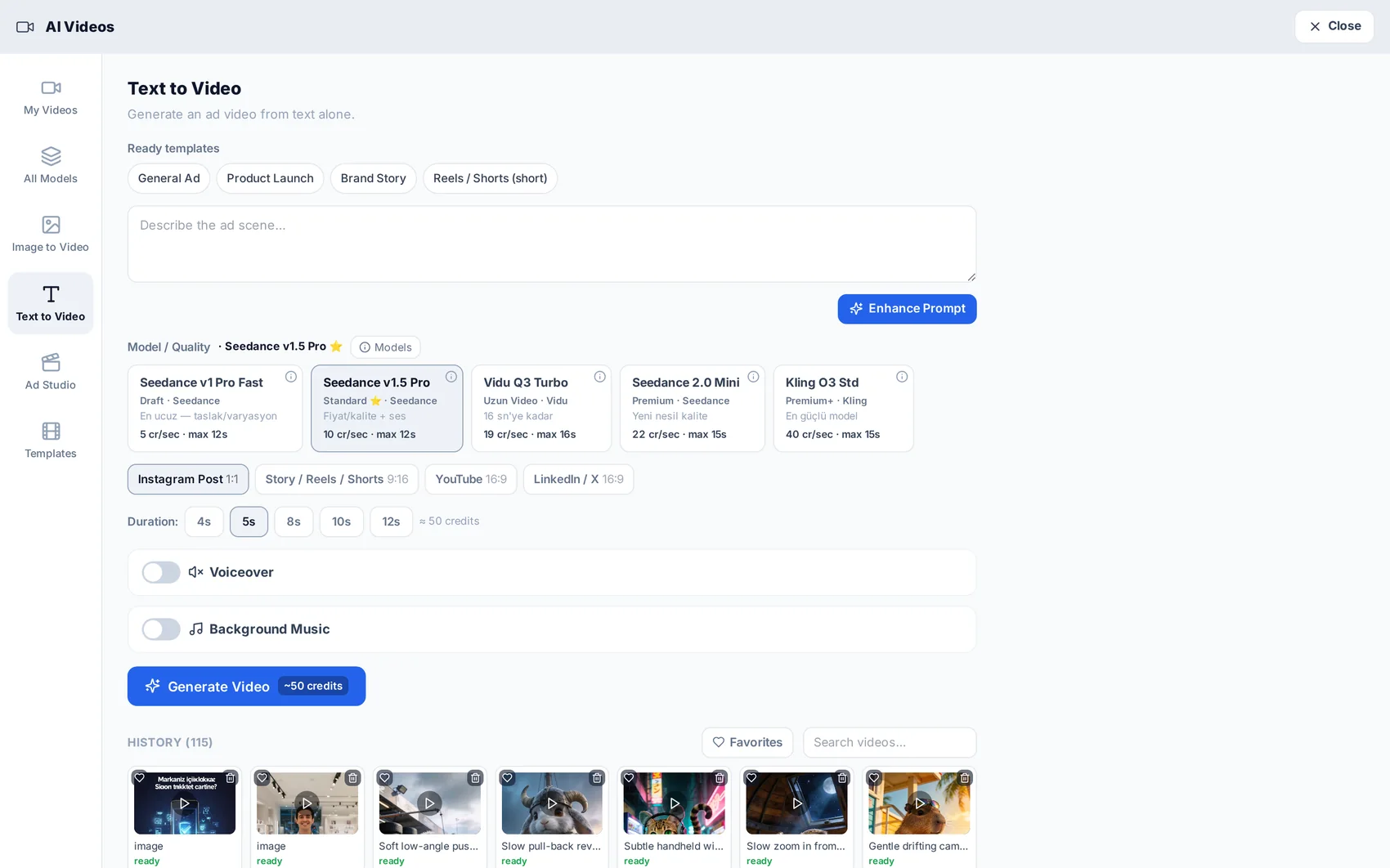
Add voice and music
Voiceover is available in 14 languages, including a cloned version of your own voice, and background music can be generated with it. The mix happens on the server, so what you download is a finished video.
Find it later
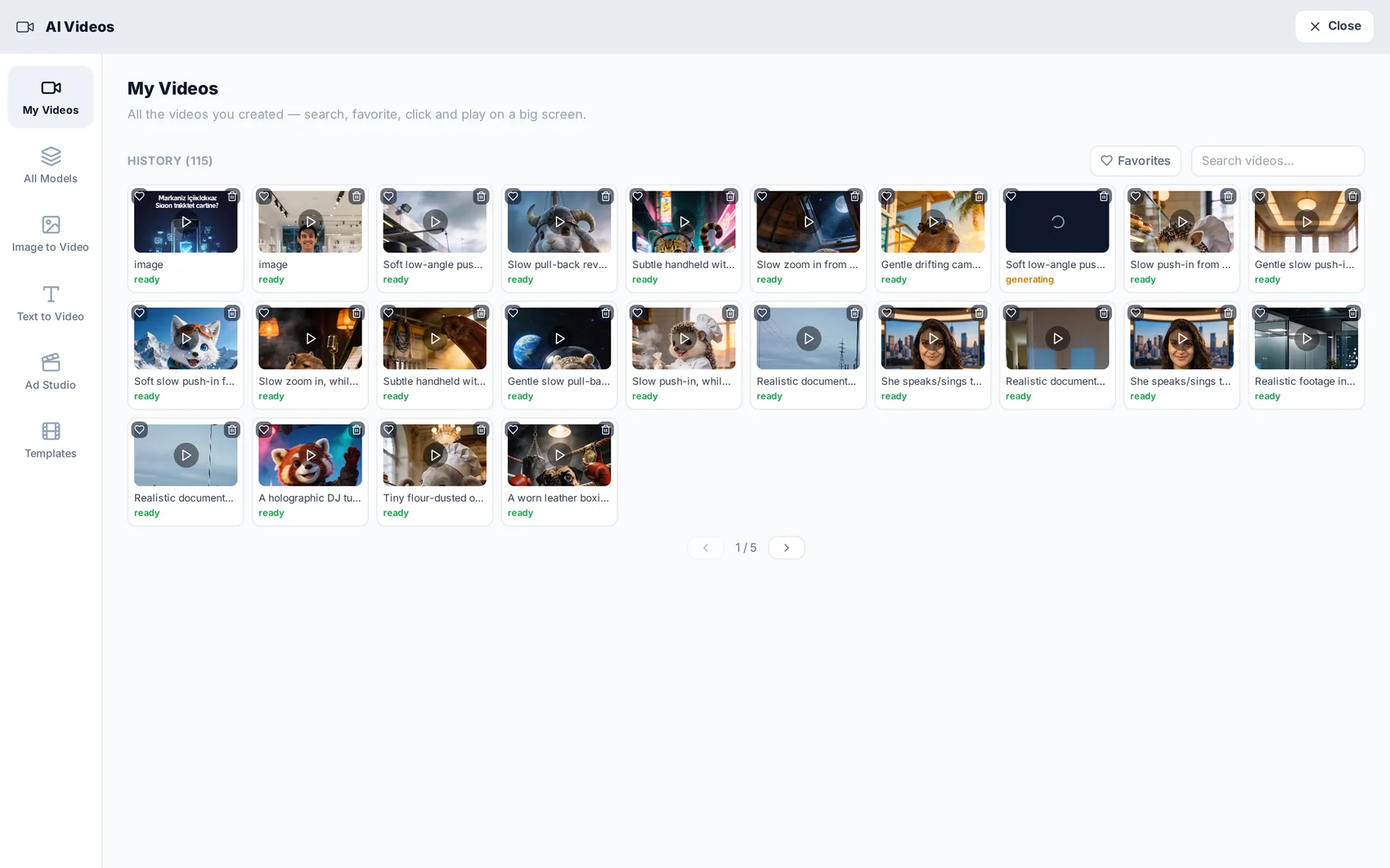
Everything you generate is kept in My Videos with its settings, so you can re-run a variation without rewriting the prompt.
Read next